Copy Meta
Advanced metadata inspection and copying tool
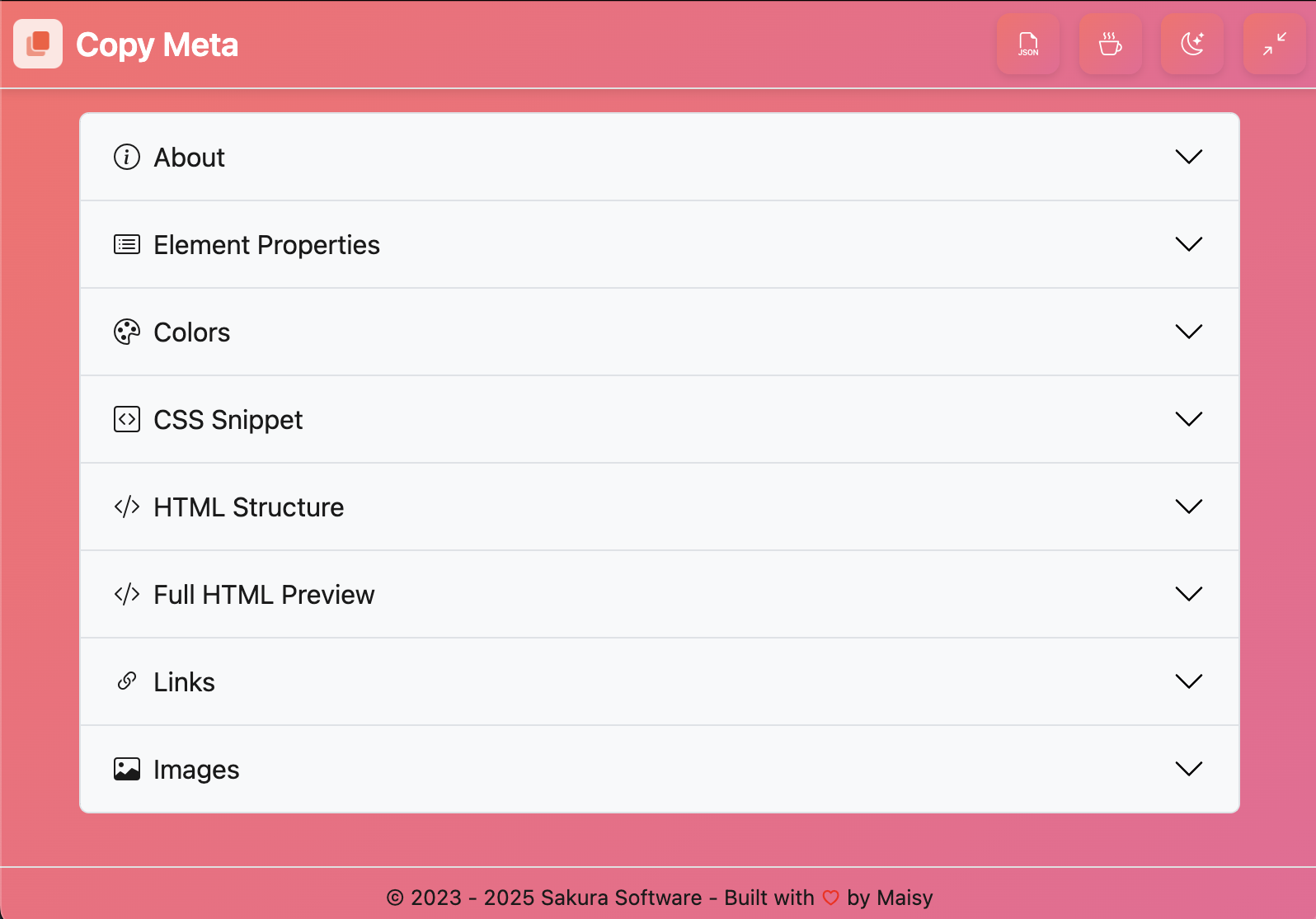
Copy Meta is a powerful, lightweight Chrome extension that lets you instantly inspect and copy metadata from any selected element on a webpage. Perfect for developers, designers, and testers, it captures a full snapshot of an element's context — including tag name, classes, ID, inline and computed CSS styles, HTML structure, links, and images.
With a single click, Copy Meta opens a compact, resizable popup showing organized panels for element properties, auto-generated CSS snippets, simplified HTML previews, and detected colors, links, and images. You can copy any individual piece of data, export it as JSON, or grab full standalone HTML.
Built with productivity and clarity in mind, Copy Meta helps you move faster — whether you're debugging styles, gathering assets, or documenting frontend behavior.
Feature Highlights
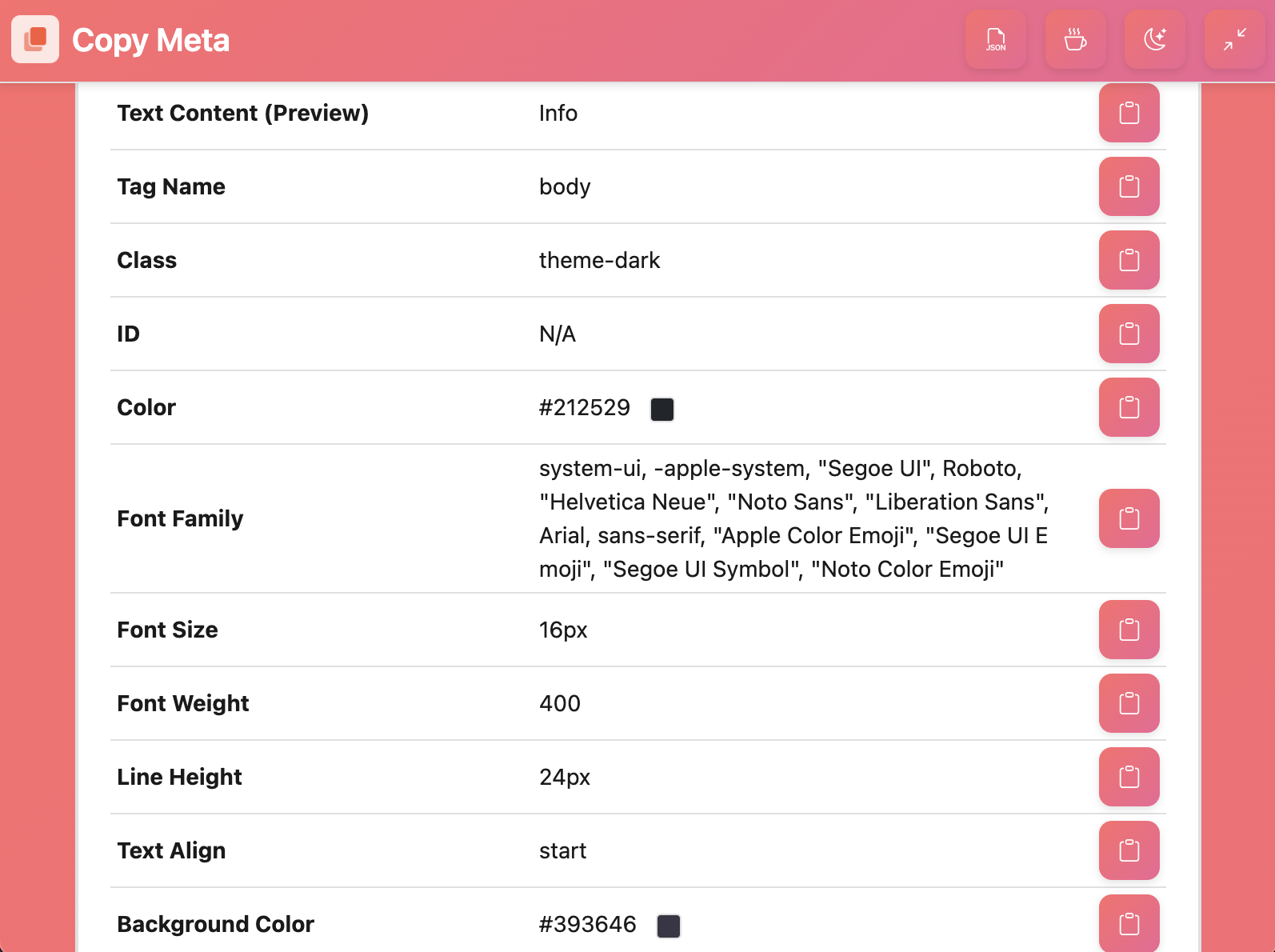
Element Properties
Inspect tags, classes, IDs, and other DOM properties at a glance.
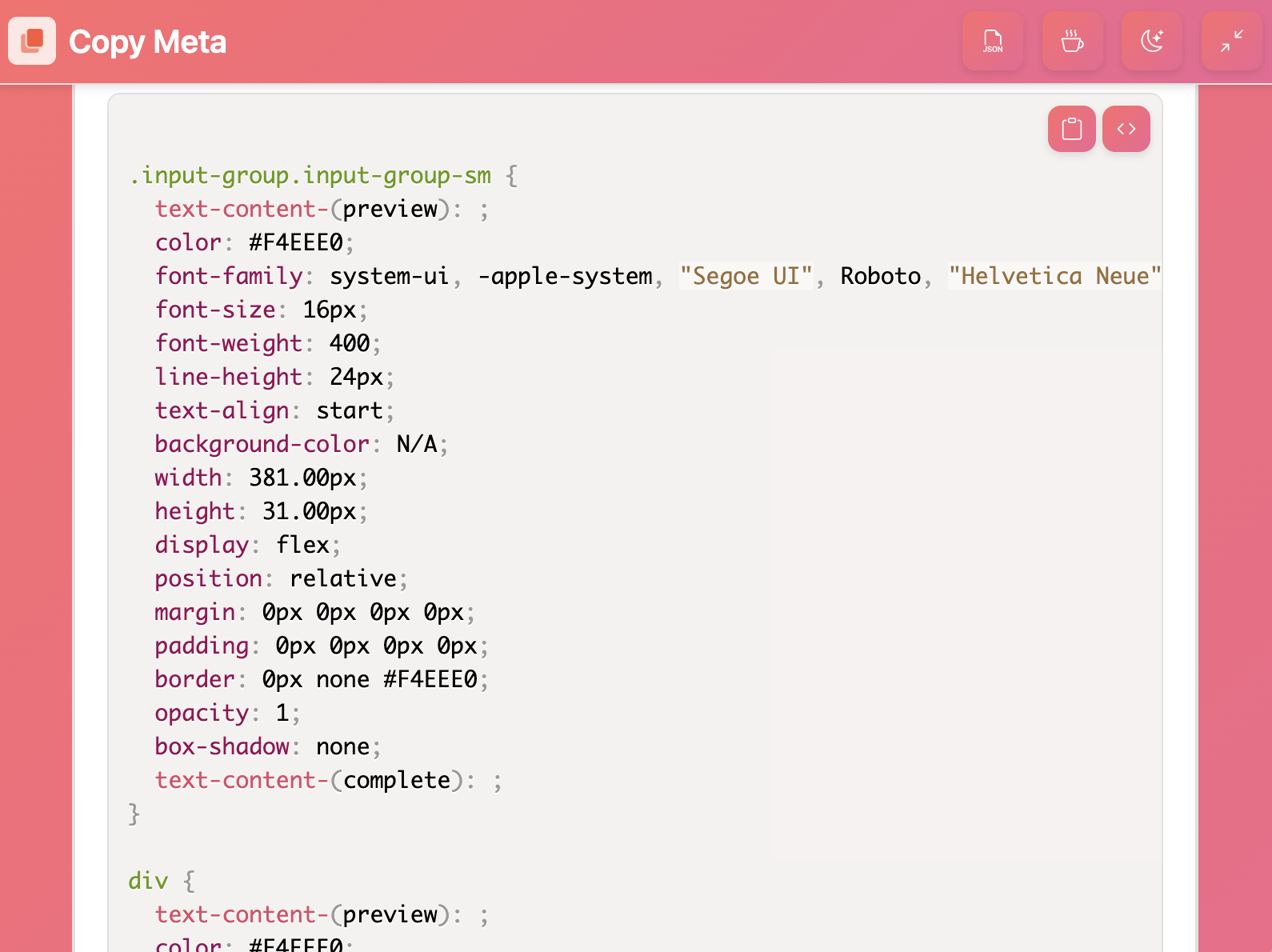
CSS Inspection
View and extract computed styles with auto-generated CSS snippets.
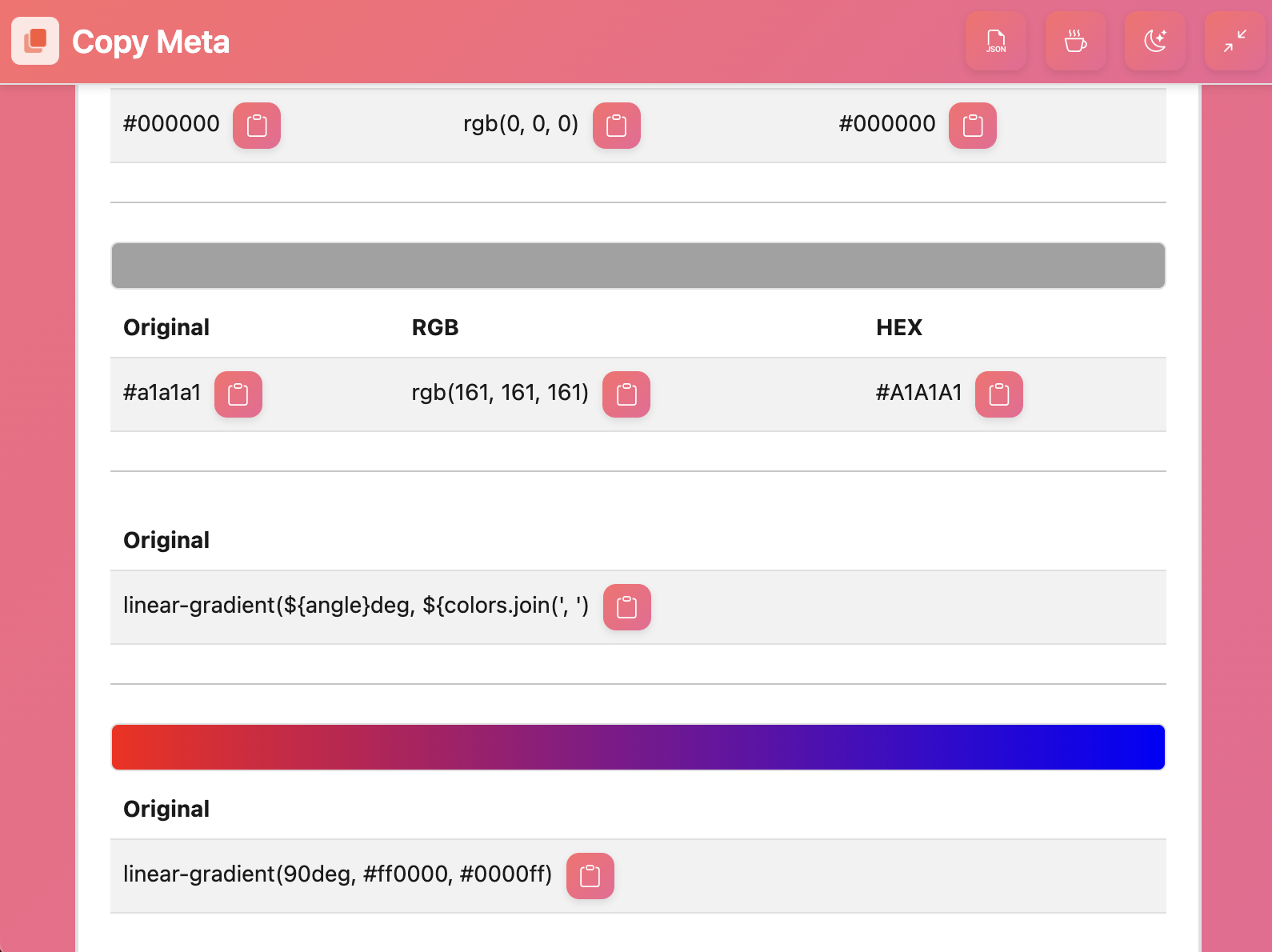
Color Extraction
Automatically detect and extract colors used in the selected element.
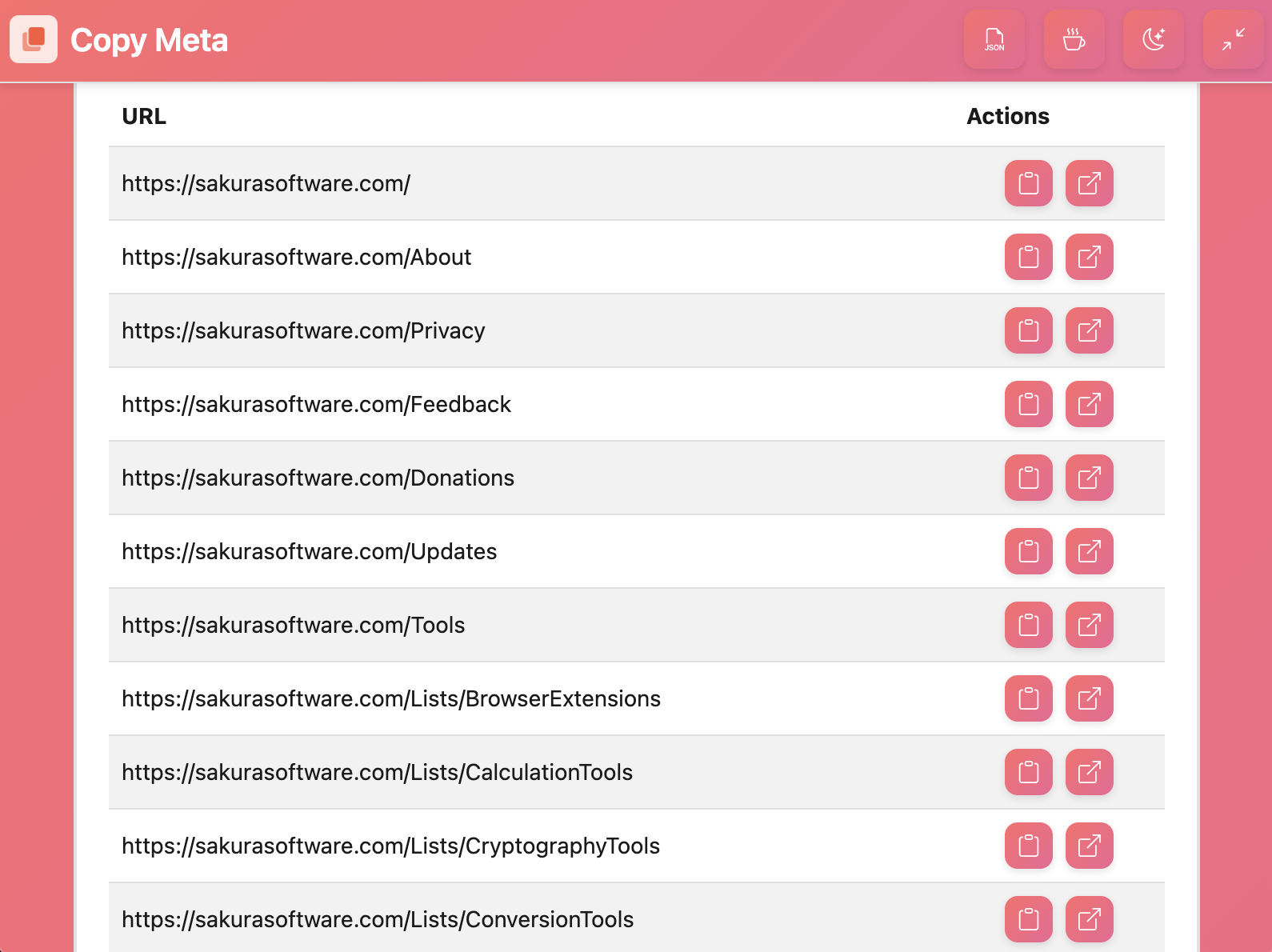
Link Detection
Find and copy all URLs associated with the selected element.
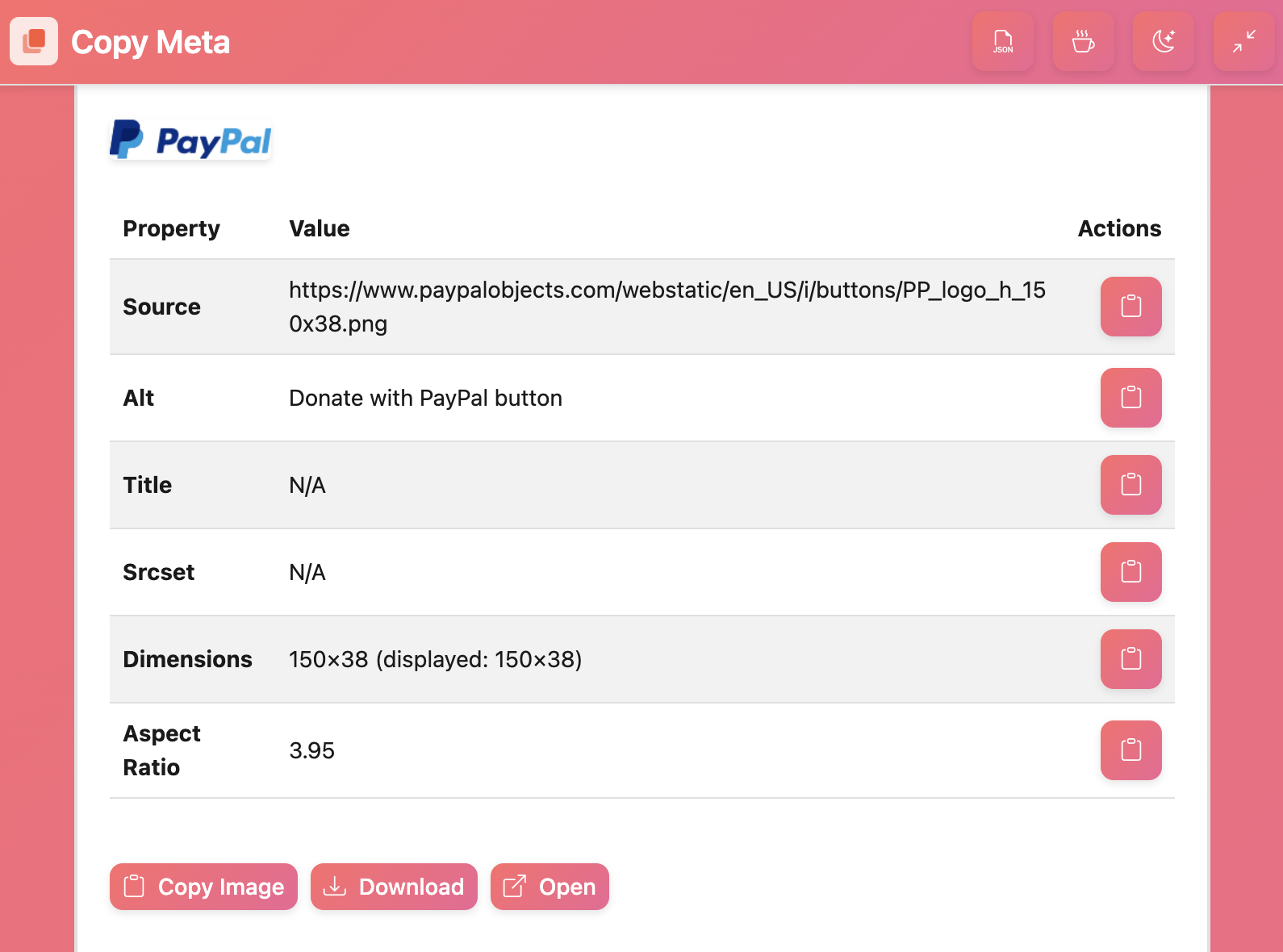
Image Extraction
Identify and extract all images from the selected element.
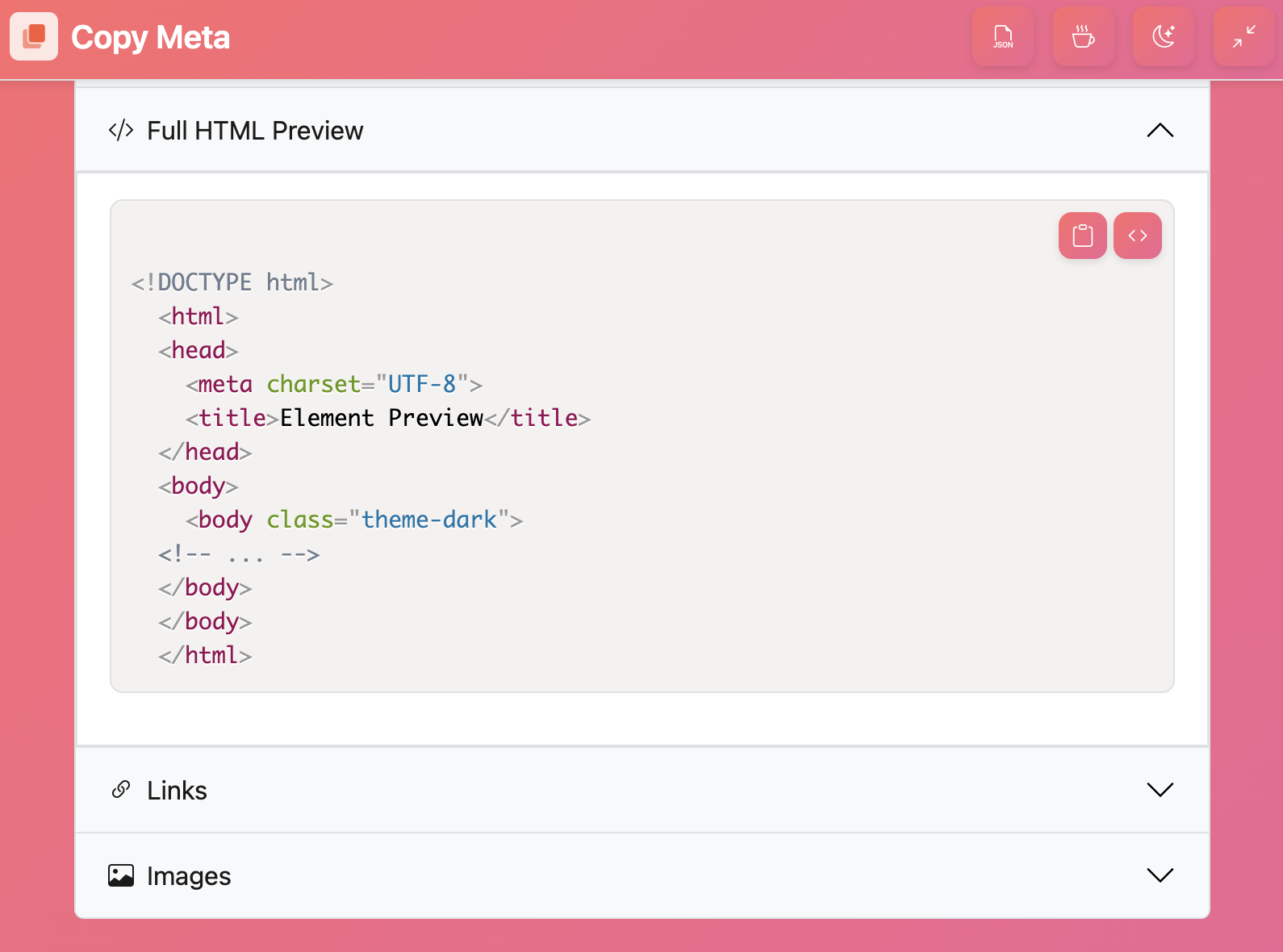
HTML Preview
Preview the HTML structure of the selected element.